
Understanding the Cronus zen
What is the Cronus zen?
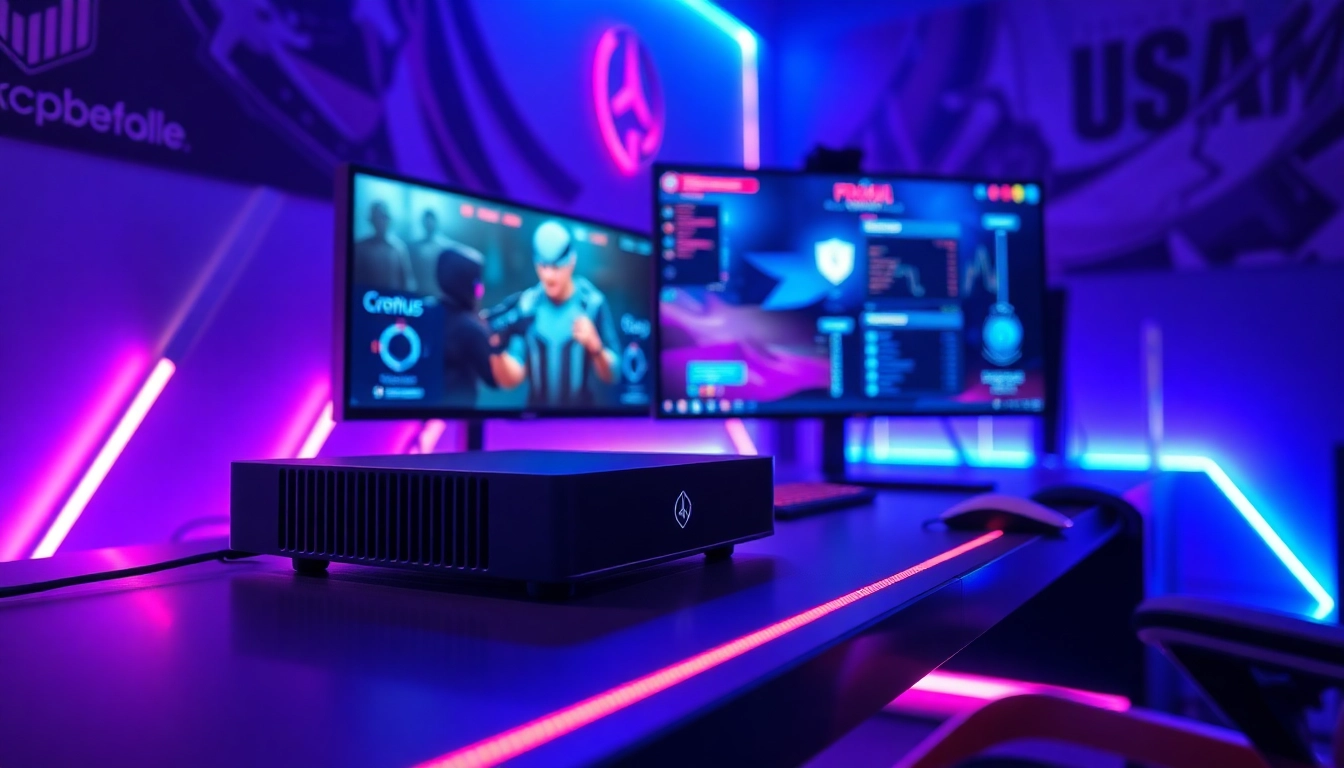
The Cronus zen is a cutting-edge gaming device that serves as a bridge between various gaming consoles and controllers, enhancing the gaming experience by allowing greater manipulation and customization of input methods. This device is designed to cater to a wide range of platforms including PlayStation, Xbox, and PC, enabling players to utilize their preferred controllers regardless of the game console they are using. The Cronus zen empowers gamers with tools to optimize performance, adapt controls, and implement complex strategies that can significantly influence gameplay. Its integration of innovative scripting features and user-friendly interfaces has made it a favored choice among serious gamers and eSports professionals alike.
Key Features of Cronus zen
The Cronus zen comes packed with a multitude of features designed to elevate the gaming experience. Some of the core features include:
- Universal Compatibility: Cronus zen can be connected to a variety of gaming consoles, allowing players to use their favorite controllers across different platforms.
- Advanced Scripting: Players can create and use scripts that automate actions, enhancing both gameplay efficiency and precision. This aspect is crucial in competitive gaming, where milliseconds can determine the outcome.
- Macro Support: Users can set up macros to streamline complex sequences of actions into single button presses, improving response time and execution in fast-paced games.
- Customization Options: The device provides extensive customization settings ranging from button remapping to adjusting sensitivity and dead zones, allowing players to optimize their setups based on personal preferences.
- In-Game Modifications: With Cronus zen, gamers can change in-game settings on-the-fly, offering strategic advantages during gameplay without having to pause or exit.
Setting Up Cronus zen
Setting up the Cronus zen is a simple and straightforward process. Here’s a step-by-step guide to get you started:
- Unboxing and Connecting: Begin by unboxing your Cronus zen device and connecting it to your preferred gaming console using the provided USB cables. Ensure your console is powered on.
- Download the Cronus zen Studio: To take full advantage of the device, download the Cronus zen Studio software from the official website. This software will allow you to manage settings and upload scripts.
- Install Drivers: Follow the on-screen prompts to install the necessary drivers for your device. This step is crucial to ensure that your computer recognizes the Cronus zen correctly.
- Customize Settings: Open the Cronus zen Studio and begin customizing your controller settings. You can remap buttons, adjust sensitivities, and set up macros that suit your gaming style.
- Upload Scripts: If you have pre-designed scripts or if you want to explore community-created scripts, you can upload them through the studio interface. Saving your settings to your device is crucial to ensure they are applied during gameplay.
Benefits of Using Cronus zen
Enhancing Gameplay Performance
One of the standout advantages of using the Cronus zen is the significant enhancement to gameplay performance it offers. Gamers who utilize Cronus zen can experience increased accuracy and control, particularly in competitive multiplayer environments. The advanced scripting capabilities allow players to automate certain actions, eliminating the risk of human error and providing a level of precision that’s often unattainable with standard controllers.
Customizing Controller Settings
Customization is at the heart of what makes Cronus zen a valuable tool for gamers. The ability to remap buttons, create unique control layouts, and adjust settings such as sensitivity and dead zones means that players can tailor their gameplay experience to meet specific needs. Whether you play first-person shooters, competitive MMORPGs, or sports games, the customization features of Cronus zen help enhance your performance by allowing for a more intuitive interaction with the game mechanics.
Maximizing Competitive Edge
In an era where eSports dominates the gaming landscape, having a competitive edge is paramount. The Cronus zen facilitates this by allowing gamers to utilize scripts that provide advantages in timing and execution. For instance, in games requiring quick reflexes and precision shots, automating actions or creating rapid-fire setups can mean the difference between winning and losing. Moreover, the freedom to switch configurations on-the-fly enables players to adapt their strategies during gameplay, a crucial advantage in high-stakes situations.
Advanced Cronus zen Techniques
Using Scripts and Macros
Scripts and macros are integral to unlocking the full potential of the Cronus zen. By incorporating these elements into your gaming strategy, you can significantly streamline complex maneuvers, reduce input lag, and heighten your overall efficiency during gameplay. For example, a well-timed script can ensure that abilities are activated in the correct sequence without the player needing to manually manage timing, allowing for a smoother gaming experience.
Networking with Other Gamers
One of the most rewarding aspects of using Cronus zen is the community surrounding it. Engaging with other gamers who use the device can lead to the exchange of scripts, tips, and thriving discussions about optimization techniques and gameplay strategies. Online platforms, forums, and dedicated Discord servers provide a space where Cronus zen users can collaborate, troubleshoot issues, and share experiences, enriching the overall gaming community and enhancing individual skills.
Analyzing Performance Improvements
Once you start using the Cronus zen, it’s essential to analyze the performance improvements you experience. By tracking your gameplay statistics before and after integrating Cronus zen, you can measure factors such as accuracy, kill/death ratio, and overall win rate. Many players find that comprehensive analysis encourages them to refine their setups even further, leading to continuous improvement and mastery of their gaming skills.
Common Cronus zen Issues and Solutions
Troubleshooting Connection Problems
As with any technology, connection problems may occasionally arise when using Cronus zen. If you encounter challenges with connectivity, begin by verifying that all cables are securely connected. Restarting both the Cronus zen device and your gaming console can often resolve minor connectivity issues. Additionally, ensuring you are using the latest firmware updates can prevent compatibility problems with newer gaming systems.
Updating Firmware Effectively
Keeping your Cronus zen firmware up to date is crucial for optimal performance and compatibility. The Cronus zen Studio software provides notifications for available updates, and it is advisable to regularly check for the latest versions. To update, simply connect your device to your computer, open Cronus zen Studio, and follow the prompts to download and install updates. This process ensures that you’re receiving the latest enhancements and bug fixes that the developers release.
Maintaining Device Performance
To maintain the longevity and performance of your Cronus zen, regular care is essential. Ensure that the device is kept clean and free from dust, as debris can interfere with connections and functionality. Properly detach the device after use to avoid damaging the USB ports. Additionally, periodically backing up your scripts and configurations can prevent loss in the event of software issues or updates that require a reset of the device.
The Future of Cronus zen in Gaming
Emerging Trends for 2026
As gaming technology evolves, so too does the functionality and potential of devices like Cronus zen. Emerging trends suggest that the integration of AI into gaming peripherals will become more prominent, allowing for even more sophisticated scripting capabilities and adaptive gameplay features. Additionally, the rise of virtual reality (VR) gaming opens new avenues for Cronus zen to enhance immersive gameplay experiences. As developers continue to innovate, the Cronus zen is expected to keep pace, adapting its features to meet the demands of the evolving gaming landscape.
The Role of Cronus zen in eSports
The role of Cronus zen in the eSports arena is becoming increasingly significant. With tournaments demanding the highest levels of performance, utilizing tools that provide strategic advantages is essential. The ability to automate tasks and personalize controls enables professional gamers to compete at their fullest potential, responding to in-game situations with agility and precision. As the competitive gaming scene grows, so too will the reliance on Cronus zen and similar devices for optimal performance.
Community Contributions and Innovations
The Cronus zen community is a driving force behind many of the innovations and advancements seen in the device. Gamers around the world regularly contribute new scripts, share configurations, and provide insights into optimizing gameplay. Engaging with this vibrant community not only enhances personal skillsets but also inspires developers to consider user feedback and suggestions for future enhancements. The collaborative environment fostered by Cronus zen users ensures that the device remains at the cutting edge of gaming technology.
In summary, leveraging the tools provided by the Cronus zen can profoundly transform your gaming experience, enhance performance, and provide you with a competitive edge in the ever-evolving landscape of competitive gaming. As you explore all that Cronus zen has to offer, don't forget to look for resources within the community for the Best Fortnite script and more, ensuring that you stay ahead of the game in the fast-paced world of eSports.