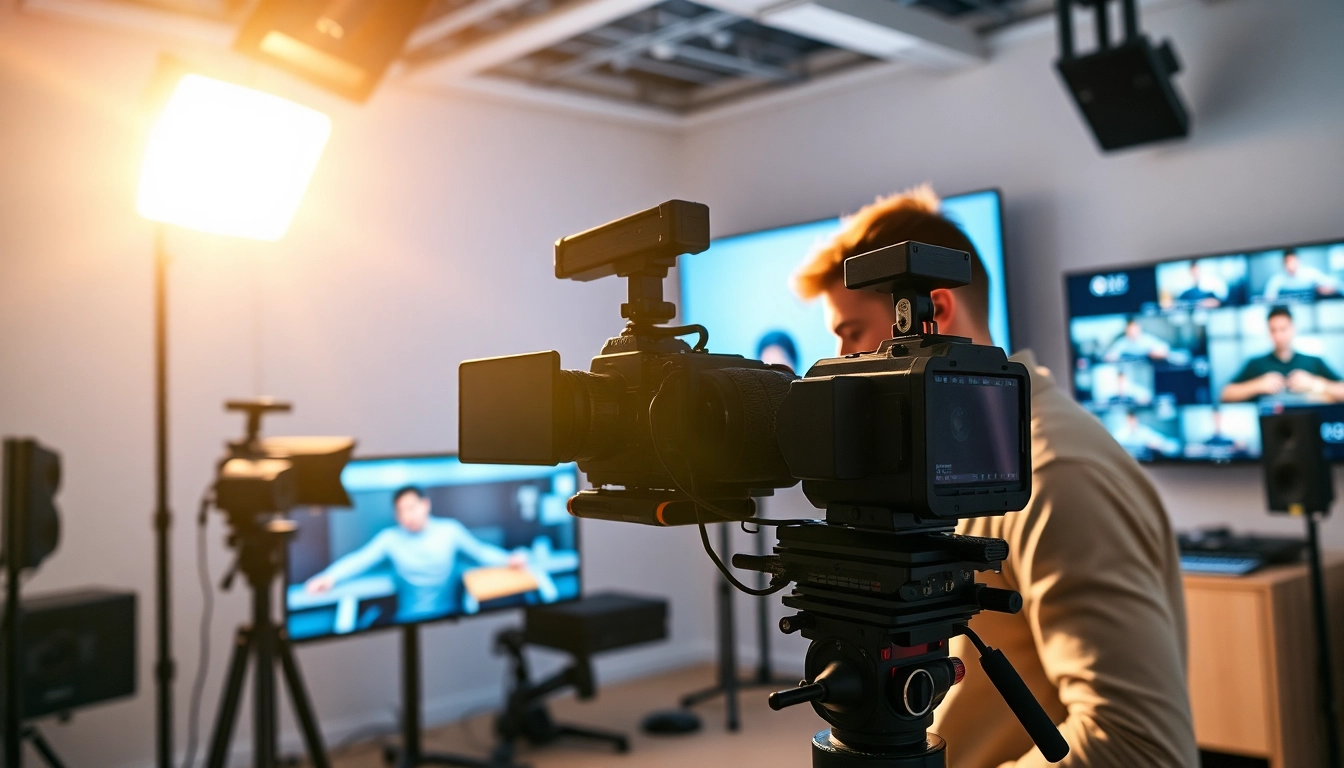
Understanding the Basics of Training Videos
What are Training Videos?
Training videos serve as a visual and auditory educational tool designed to convey information effectively. They are structured formats used to teach specific skills or knowledge to an audience. Ranging from simple tutorials to complex procedural guides, training videos harness a blend of audio, visuals, and narrative techniques to facilitate learning. Typically, they emphasize clarity, consistency, and engagement, transforming traditional learning methods into interactive experiences that can be accessed remotely.
Benefits of Training Videos in Learning
The integration of training videos into learning processes yields numerous benefits. They cater not only to diverse learning styles—visual, auditory, and kinesthetic—but also allow for repeated access, which aids retention. Some key benefits include: - Flexibility: Viewers can learn at their own pace, revisiting segments as necessary. - Engagement: Incorporates multimedia elements, keeping learners focused and interested. - Consistency: Guaranteed uniform delivery of information without the variability of in-person training. - Cost-Effectiveness: Reduces the need for live trainers and physical materials, making them a more economical option. Investing in training videos can revolutionize how content is consumed and understood, making education accessible and effective.
Types of Training Videos You Can Create
Training videos can be categorized into various types based on their objectives and target audiences: - Instructional Videos: Demonstrate specific tasks or procedures step-by-step. Ideal for teaching hands-on skills, such as operating machinery or software applications. - eLearning Modules: Typically interactive and follow a structured lesson plan, often combined with quizzes and assessments to gauge understanding. - Webinars: Live or recorded sessions where experts present topics and engage with the audience, encouraging interaction. - Explainer Videos: Short and concise videos that break down complex concepts or services in an easy-to-understand format. - Micro-Learning Content: Brief, focused videos that cover a single topic, perfect for busy learners seeking quick knowledge. By recognizing the types of training videos, organizations can tailor their content to best fit the needs of their audience.
Planning Your Training Video Content
Defining Your Target Audience
Understanding your target audience is essential in producing effective training videos. Consider demographics, experience levels, and learning preferences. Are they seasoned professionals needing advanced topics, or beginners requiring foundational knowledge? Conduct surveys or use analytics to determine audience characteristics and preferences. When you know your audience, you can tailor content to match their expectation, making training pertinent and engaging.
Setting Clear Learning Objectives
Clear learning objectives should guide the creation of training videos. They outline what the audience should know or be able to do by the end of the video. Each objective should be: - Specific: Avoid vague goals; define exactly what learners will achieve. - Measurable: Frame objectives that can be assessed through quizzes or practical demonstrations. - Achievable: Ensure they are realistic given the content length and complexity. - Relevant: Align with the learners' needs and the organization’s training requirements. - Time-bound: Specify when the objectives should be met. Well-defined objectives not only provide direction for creators but also serve as benchmarks for evaluating the success of the training interventions.
Creating a Compelling Script
A well-crafted script is the backbone of any effective training video. Begin by outlining the key points you wish to cover based on your objectives. Craft a narrative that guides viewers seamlessly from start to finish, including: - Engaging hooks: Start with an attention-grabbing introduction to pique interest. - Concise segments: Break the content into digestible parts to avoid overwhelming viewers. - Clear explanations: Use simple language and avoid jargon unless it’s common knowledge for your audience. - Call to action: Encourage viewers to apply what they've learned after watching the video. Test your script with a sample audience to receive feedback on clarity, engagement, and effectiveness, making necessary adjustments before filming.
Technical Aspects of Creating Training Videos
Choosing the Right Equipment
The quality of training videos greatly depends on the equipment used in their production. Key components to consider include: - Camera: Invest in a high-definition camera, such as a DSLR or mirrorless camera, to capture good quality visuals. Mobile devices can also be effective but ensure they have high-resolution capabilities. - Microphone: Clear audio is critical in video production. Consider using lavalier mics for interviews or shotgun microphones for narrations to ensure high-quality sound. - Lighting: Natural light can work wonders; however, professional lighting kits improve clarity and ensure consistent quality. Softboxes and ring lights are popular choices. - Tripod: Stabilizing your camera prevents shaky footage, allowing for a professional finish. Choosing the right equipment enables you to produce high-quality content that resonates with the audience.
Key Video Editing Software for Professionals
Video editing is an essential phase in the creation of training videos, as it enhances quality, pacing, and engagement. Popular software options include: - Adobe Premiere Pro: Comprehensive editing tools suitable for advanced users; allows for professional-grade quality. - Final Cut Pro: Mac-exclusive software known for its ease of use and powerful editing capabilities. - Camtasia: Tailored for creating tutorials and training videos, this user-friendly software allows for screen capture and easy editing. Selecting the right software aligns with your editing needs, proficiency level, and preferred workflows.
Best Practices for Recording Quality Videos
Recording high-quality training videos involves several best practices to ensure a professional output: - Plan Ahead: Pre-train by preparing your location, equipment, and scripts. Conduct test shoots to check lighting, sound, and overall quality. - Maintain a Clear Background: A clutter-free background directs focus onto the presenter and content. - Engage with the Camera: Make eye contact and speak clearly and confidently. Practice can significantly improve your natural delivery. - Use B-Roll Footage: Supplement your main video with additional footage to illustrate points further and keep viewers engaged. By adhering to these recording practices, you enhance quality while fostering engagement.
Engaging Your Audience with Training Videos
Techniques for Captivating Your Viewers
Creating engaging training videos requires a thoughtful approach. Here are several techniques: - Storytelling: Incorporating narratives helps contextualize information, making it more relatable. - Dynamic Presenters: Use charismatic presenters who can draw viewers in with their passion and knowledge. - Varied Presentation Styles: Mix talking-head formats with visual aids or animations to maintain interest. Engaging content translates into better knowledge retention, making it a pivotal factor in training success.
Using Visual Aids and Examples
Visuals can amplify understanding significantly. Consider integrating: - Graphs and Charts: Present data visually to simplify complex information. - Demonstrations: Showing procedures or tasks using real-world examples allows learners to grasp practical applications. - Animations: Utilize animation for concepts that may be challenging to portray with live-action footage. Effective use of visuals not only enhances learning but also breaks up monotony, keeping training videos lively.
Incorporating Interactive Elements
Adding interactive elements boosts engagement and retention. Possible features to consider include: - Quizzes and Assessments: Link quizzes after specific sections to reinforce concepts and evaluate understanding. - Pause and Reflect Prompts: Encourage users to pause the video and contemplate questions related to the content. - Discussion Prompts: Foster engagement through discussion forums or live Q&A sessions post-viewing. Interactive elements promote active learning, increasing the likelihood that viewers will remember the material presented.
Measuring the Success of Your Training Videos
Key Performance Indicators to Track
To quantify the effectiveness of training videos, identify pertinent key performance indicators (KPIs), such as: - Completion Rates: Measure how many viewers finish the video versus how many started. - Engagement Metrics: Analyze viewer interactions, comments, or likes to gauge interest and relevancy. - Knowledge Retention: Implement assessments or quizzes to determine how well users have grasped the material. Tracking KPIs can help identify strengths and areas for improvement in your training video strategy.
Gathering Feedback from Viewers
Soliciting viewer feedback is crucial for refining content. Possible methods include: - Surveys: Ask viewers what they found helpful or confusing. - Direct Observations: Utilize usability testing to observe real-time interactions with video content. - Focus Groups: Hold discussions with a select audience to discuss their experiences and insights. Feedback helps build a roadmap for future iterations and ensures alignment with audience needs.
Iterative Improvements for Future Videos
The process of creating training videos should be continuously evolving. After gathering data and feedback, consider: - Regular Reviews: Conduct periodic content audits to ensure relevance and quality. - Adapt to Feedback: Make adjustments in response to viewer input; this can enhance their experience significantly. - Stay Updated: Keep abreast of new trends or technologies in video production and training methodologies, continually improving the content. By engaging in iterative improvements, organizations can enhance their training videos’ efficacy, ensuring ongoing value to viewers.